Running more than one delivery app keeps your phone’s screen on, its maps open and its data connection busy for hours. This guide covers the equipment that keeps that going: a mount, a charger and cable, a data plan, and what a second phone adds to your costs. Whether to run both apps on one phone or two is answered in How to DoorDash and Uber Eats at the same time.
Choose a mount that keeps the screen in view
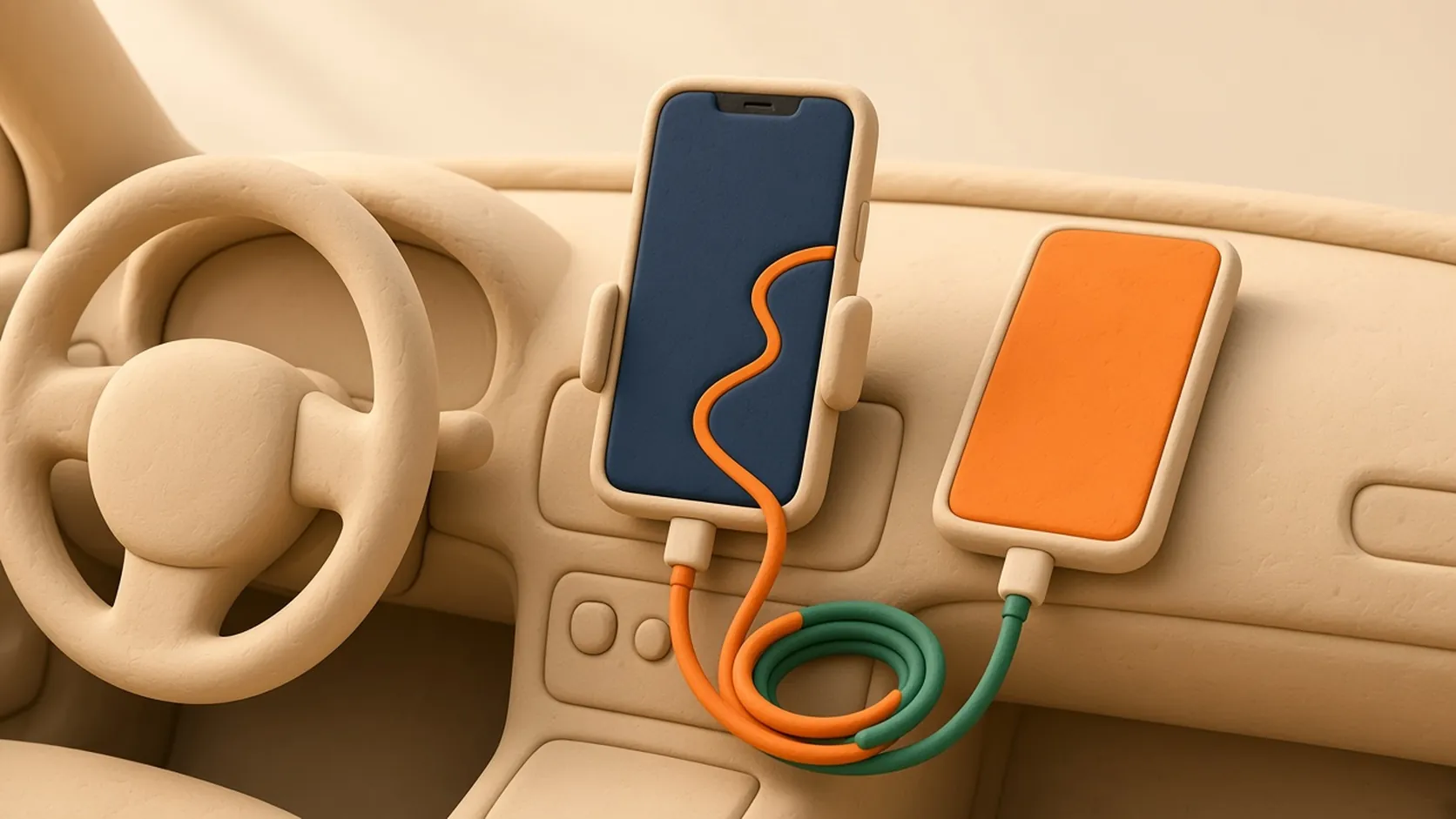
Mount the phone where a quick glance shows you the screen, not down in your lap or cup holder. The common types are dashboard or windshield suction mounts, air-vent clips, cup-holder mounts and magnetic holders. Where you may place a mount, and whether windshield mounts are allowed at all, depends on local law, so check before you stick anything to the glass.
Test the grip on a rough road before a shift. Pick a mount that lets you plug in the cable without taking the phone out, and that holds the phone in portrait and landscape if your apps use both. A vent clip in front of a running heater can warm the phone, and a hot phone may dim its screen or charge more slowly.
Pick a charger and cable that keep up
Maps, a bright screen and delivery apps running together drain a battery faster than everyday use. A weak car charger only slows that drain instead of reversing it. Check which fast-charging standard your phone supports, choose a car charger that offers it, and use a cable rated for the same power.
Short, sturdy cables tangle less and handle being unplugged at every drop-off. Cables wear out from being bent all day, so keep a spare in the glovebox.
If you run two phones, you need a charger with two ports or two chargers. A multi-port charger shares its total output, so check what each port delivers when both are in use. A small power bank is a backup for long waits away from the car, not a replacement for charging while you drive.
Check your data plan before a long shift
Offers, maps and in-app chat all need a steady connection. Check your plan’s high-speed data allowance and what happens when you reach it. Some plans slow the connection instead of cutting it off, and a slow connection can make offers load late.
Your phone’s settings show how much data each app uses. Check after a few shifts rather than guessing. If your maps app can save offline maps, downloading your usual area over Wi-Fi at home cuts what navigation uses on the road.
Add up what a second phone really costs
Some drivers keep each delivery app on its own phone. Before you buy one, count everything it brings, not just the device. Add the one-time costs and spread them over the months you expect to use the phone, then add the monthly cost of its connection.
If you use Giga Driver to compare Uber and DoorDash offers with your goals, it runs on the same phone as those apps, so it doesn’t need a second device. You still accept or decline every offer in each app yourself.
| Cost | What to check |
|---|---|
| The phone | A used phone or an old one from a drawer works only if it runs the current Dasher and Uber Driver apps. Check each app’s store listing for the minimum system version. |
| The connection | A second line, a data-only plan, or a hotspot from your main phone. A hotspot saves a line but drains the main phone’s battery faster. |
| Mount and charging | A second mount, a second charger port and another cable. |
| Your attention | One more screen to glance at while you drive. |
Set it all up while parked
Adjust the mount, plug in the cables and open your apps before you pull away. Follow local laws on touching a phone while driving, and read offers only when it’s safe. Missing an offer is always better than reading one at speed.