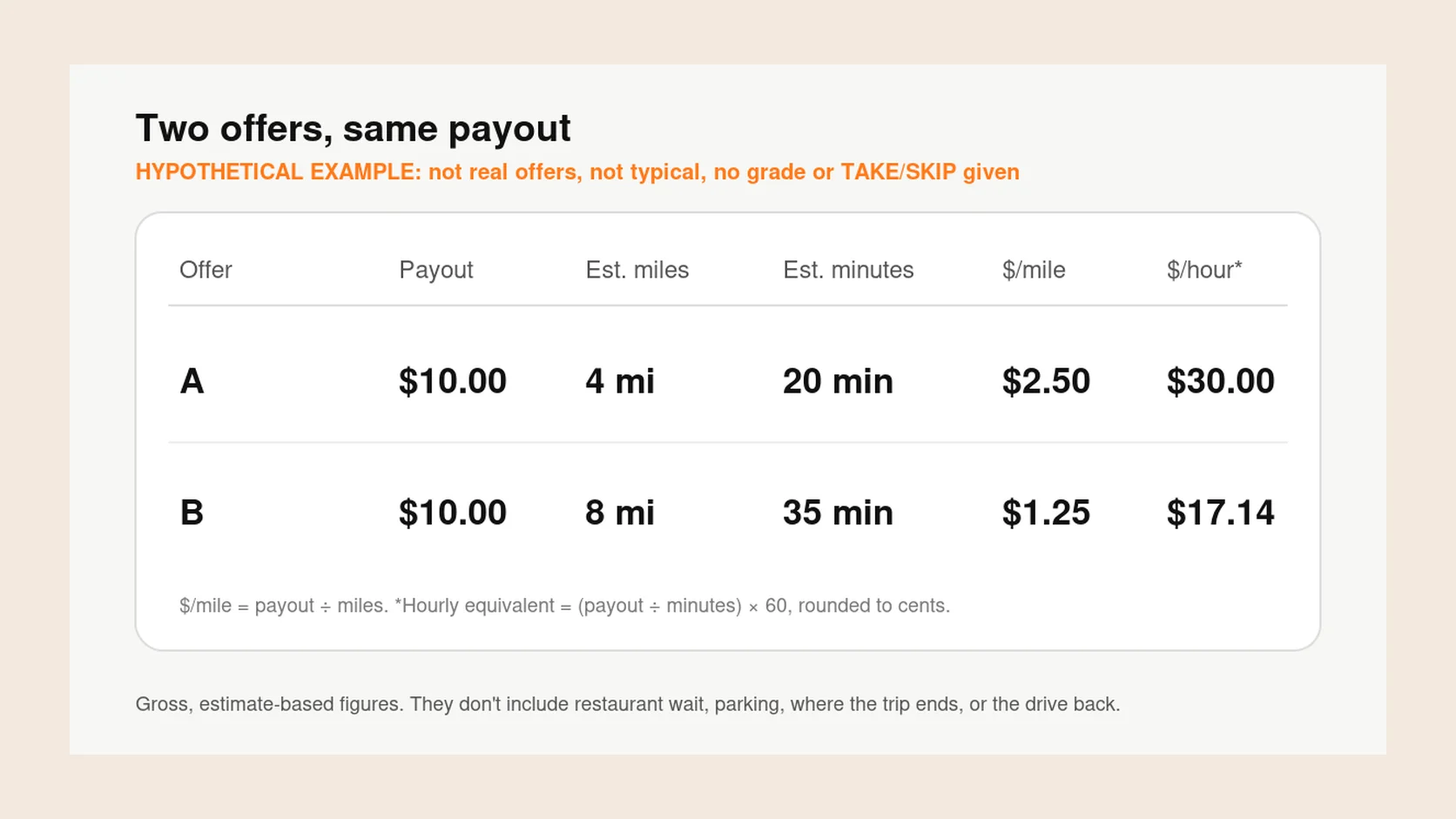
Your DoorDash acceptance rate matters less than many Dashers fear. DoorDash says there’s no minimum, and its deactivation policy says you have the right to decline any offer. The rate does count toward Dasher Rewards, which can bring priority for higher-paying offers. The number that can cost you your account is completion rate, so decline before you accept rather than unassigning later.
Acceptance rate vs completion rate
Acceptance rate is how often you accept offers out of the last 100 you received. If an offer’s timer runs out, DoorDash counts it as a decline.
Completion rate is the share of accepted offers you finish, based on your last 100 accepted offers. Unassigning yourself lowers it, unless the app marks the unassign as worry-free or it happened for a reason outside your control, such as an emergency.
DoorDash tracks a few other ratings alongside these. Here’s what its ratings page lists for each.
| Rating | What it measures | Window | Minimum DoorDash lists |
|---|---|---|---|
| Acceptance rate | Offers you accepted out of offers received | Last 100 offers | None |
| Completion rate | Accepted offers you finished | Last 100 accepted offers | 90% |
| On-time rate | Deliveries finished by the time shown when you accepted | Last 100 completed offers | None listed, but repeated late deliveries may lead to deactivation |
| Customer rating | How customers rate the delivery, not the food | Last 100 ratings | 4.2 stars |
How the rolling 100 works
Each new offer pushes the oldest one out of your last 100. DoorDash puts it plainly: a decline stays in your rating until 100 more offers have come in. There’s no weekly or monthly reset.
That’s why the rate can seem stuck. Say you’re at 60%, with 60 of your last 100 offers accepted, and you accept the next 10. If the 10 offers dropping off the end were all declines, you rise to 70%. If they were all accepts, you stay at 60%. The example is hypothetical, but it shows why DoorDash says it can take many accepts in a row to see a change.
In select areas, tapping Acceptance Rate in the Ratings section of the Dasher app shows your last 100 offers, which helps if the number looks wrong.
What acceptance rate affects: Dasher Rewards
DoorDash’s rewards program is Dasher Rewards, with Silver, Gold and Platinum levels. You may still see the older name Top Dasher in forum posts, but DoorDash’s current help pages describe Dasher Rewards. You need at least 50 completed deliveries to qualify, and requirements can differ by area, so check the Ratings tab in your app.
In some areas, DoorDash is piloting an Overall Dasher Rating that combines six factors: acceptance rate, completion rate, customer rating, on-time rate, quality rate and orders in the last 30 days. When DoorDash announced the pilot in December 2024, acceptance rate was worth 25 of 100 points. The current help page doesn’t publish weights and points you to the breakdown in the app.
New York City has its own program for deliveries that start or end in the five boroughs, with listed acceptance rates of 65% for Silver and 85% for Gold and Platinum. Anywhere, if you fall below the lowest level, you can still dash; you just lose the rewards, which can include:
- Priority access to high-paying orders, increasing from Silver to Platinum.
- Priority access to Dash Now where it’s offered, and earlier scheduling.
- VIP Dasher support, when available.
- Store Pause for Gold and Platinum, and discounts on DoorDash orders for Platinum in select markets.
Can you be deactivated for a low acceptance rate?
Not according to DoorDash. Its ratings page says there’s no minimum acceptance rate, its deactivation policy says Dashers have the right to decline any opportunity, and its contractor agreement says you aren’t obligated to accept any particular offer. A rate below 50% limits your rewards, not your account.
The same agreement says that once you accept an offer, you must complete it. DoorDash’s ratings page says you need a 90% completion rate to stay active, and that repeated late deliveries may lead to deactivation. So accepting everything and unassigning the bad ones is riskier than declining them at the start.
The policy also says DoorDash can notify you in writing of different thresholds, and rules can change. If you get such a notice, that’s what applies to you.
How Earn by Time changes declining
Earn by Time, offered in select US cities, pays a guaranteed hourly rate for active time instead of a set amount per offer. In exchange, you can decline or unassign only one offer per hour, and an offer that times out counts as that one decline.
If you decline a second offer in the same hour, your Earn by Time dash ends, and you can switch to Earn per Offer. After switching, you have to wait at least an hour before starting another Earn by Time dash. Declines you make while already on an active offer don’t count toward the limit, but DoorDash says every decline in Earn by Time still counts toward your acceptance rate.
Choose Earn by Time for shifts when you expect to take nearly everything, and Earn per Offer when you want to be selective.
When declining is reasonable
Declining is part of the job. DoorDash says base pay already reflects how desirable an offer is, and some offers simply don’t pay enough for what they ask. If you’re not ready for offers at all, tap Pause instead of letting them time out. It’s reasonable to decline when:
- The offer is below your own minimum pay per mile or hourly equivalent.
- The restaurant regularly keeps Dashers waiting and the pay doesn’t cover it.
- The drop-off leaves you far from busy restaurants, with an empty drive back.
- You can’t finish it on time, for example near the end of your shift.
- You don’t feel safe with the route, the weather or the drop-off location.
Is a higher acceptance rate worth it for you?
It depends on what the rewards are worth in your market. Priority for higher-paying offers can help in a busy city where good offers come often. If most offers in your zone fall below your minimums, keeping a high rate means taking trips that lower your hourly pay, and the perks may not make that back.
Test it. Spend one week accepting more widely and one week holding to your minimums, then compare total pay, hours and miles. Your own numbers will show which works better where you dash. How to compare two DoorDash offers covers the offer math.
If you want help judging offers quickly, Giga Driver shows pay per mile and per hour on each DoorDash offer and grades it against goals you set. The decision, and the tap, stay with you in the Dasher app.
Key takeaways
- DoorDash says there’s no minimum acceptance rate, and declining is your right as a contractor.
- Acceptance rate covers your last 100 offers, and a timed-out offer counts as a decline.
- It counts toward Dasher Rewards, whose requirements can differ by area.
- Completion rate is the one with a minimum: DoorDash lists 90% to stay active.
- In Earn by Time you can decline only one offer per hour, and those declines still count.
- Decline before accepting rather than unassigning afterward.
Common questions
Does the DoorDash acceptance rate reset?
No, it moves with every offer instead. If you want it higher for a rewards level, the only way is to accept more of the offers you receive. Pausing when you’re not ready keeps timed-out offers from adding declines.
What is the minimum acceptance rate for DoorDash?
There isn’t one for staying active. Acceptance minimums apply only to Dasher Rewards levels, and they differ by area. In New York City, for example, DoorDash lists 65% for Silver.
Is a DoorDash acceptance rate below 50% bad?
It won’t get you deactivated, according to DoorDash, but it will likely keep you out of the higher rewards levels. If your completion rate, on-time rate and customer rating are strong, a low acceptance rate mainly costs you perks.
Does acceptance rate affect how many offers I get?
DoorDash says a higher acceptance rate can help you stay busy and factors into your rewards status, and higher levels get priority for high-paying orders. It doesn’t publish more detail than that, so treat claims about hidden penalties with caution.
What are the DoorDash acceptance rate tiers?
DoorDash doesn’t publish one national table. Dasher Rewards has Silver, Gold and Platinum levels with requirements that depend on the area, and the pilot Overall Dasher Rating blends acceptance with five other factors. Your app’s Ratings tab shows your levels and progress.